

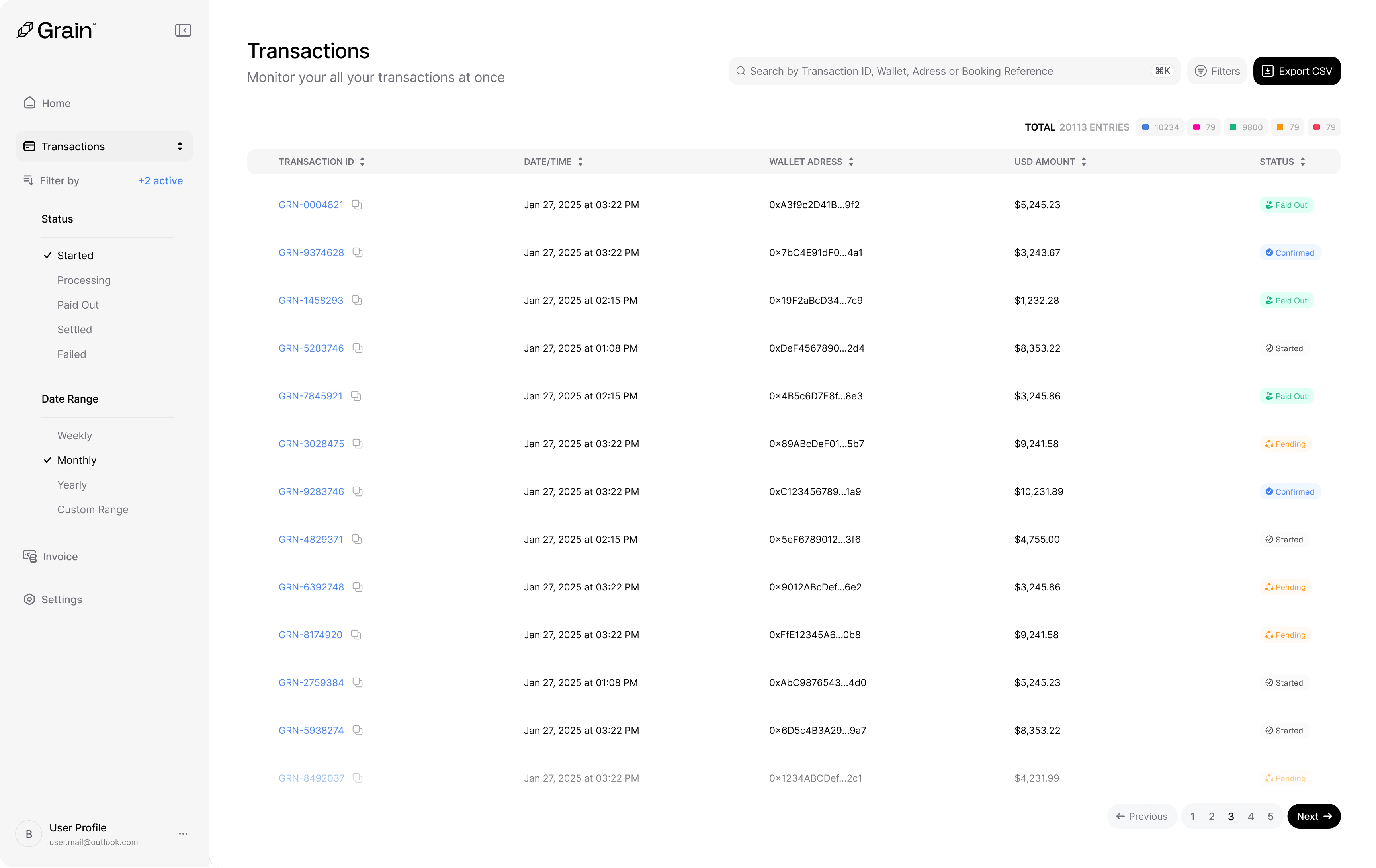
- Transaction ID — A unique identifier (e.g.,
GRN-0004821). - Date and Time — When the transaction was initiated.
- Wallet Address — The wallet address that sent the payment.
- USD Amount — The transaction value.
- Status — The current state of the payment, color-coded for quick scanning.