

Welcome to the Grain Dashboard
The Grain Dashboard is your central hub for managing crypto payment processing. From here, you can monitor transactions in real time, track payouts, and configure your account settings.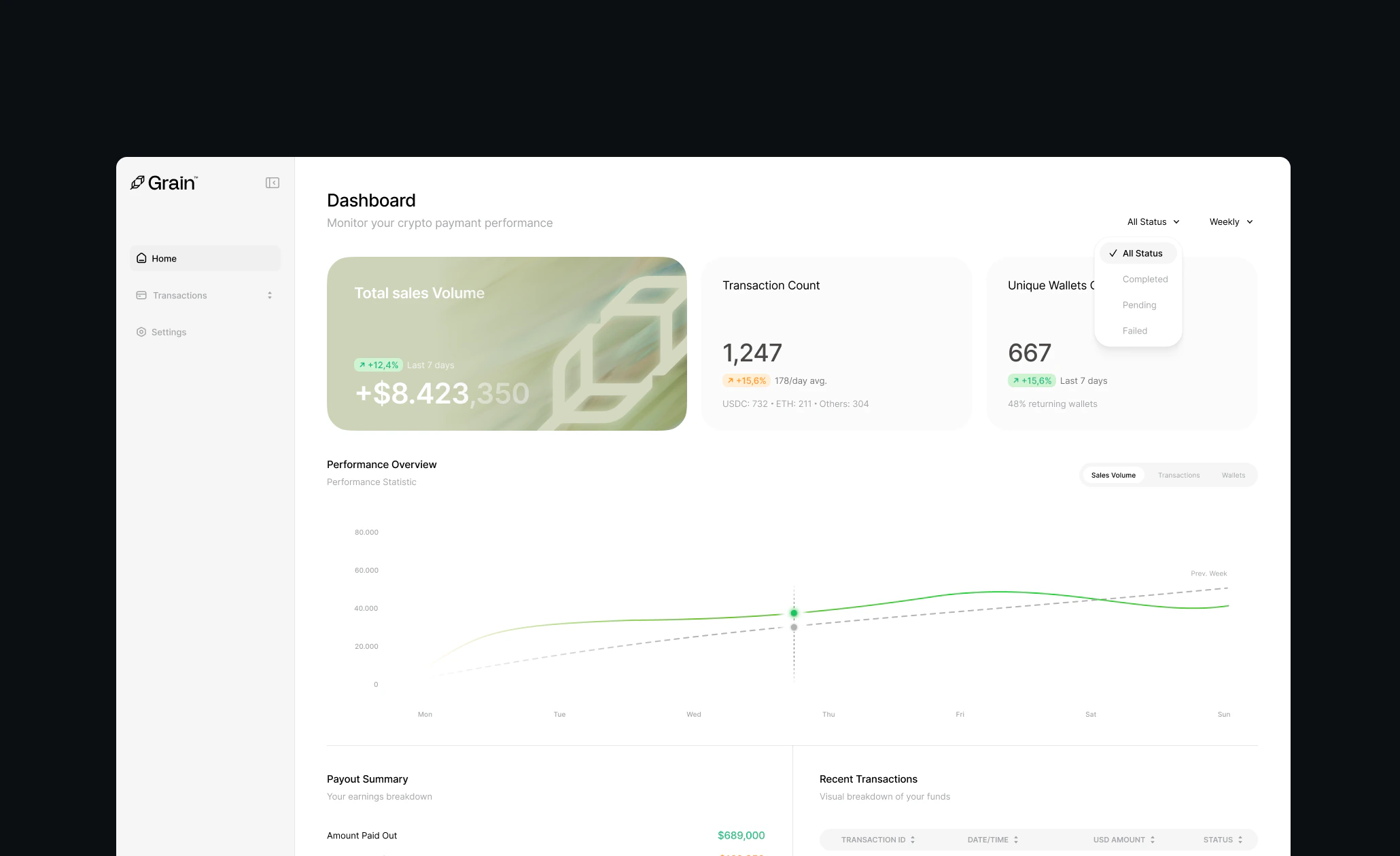
Main Navigation
The primary navigation runs along the left side of the dashboard, organized into three main areas:Dashboard
Your command center with key metrics, a performance chart, payout summary, and recent transactions — everything you need at a glance.Transactions
A detailed log of every payment that flows through your Grain integration. Filter by status, date range, search for specific transactions, and export to CSV.Settings
Manage API keys and webhooks, choose which cryptocurrencies to accept, invite team members, configure security, set notification preferences, and manage billing and payouts.Quick Links
Key Metrics
Track sales volume, transaction count, and unique wallets.
Filters and Performance
Filter by status and visualize trends over time.
Payouts and Recent Transactions
View payout summary and latest transactions.
Filtering and Searching
Find specific transactions and export to CSV.
Transaction Details
View a full breakdown of any payment.
API and Webhooks
Access API keys and configure webhook endpoints.
Payment Settings
Choose which cryptocurrencies and networks to accept.
Team Management
Invite and manage team members.
Security
Enable 2FA and manage IP whitelists.
Notifications
Configure email alerts for important events.
Billing and Payouts
Manage payout schedule and bank account.