> ## Documentation Index
> Fetch the complete documentation index at: https://docs.grain.inc/llms.txt
> Use this file to discover all available pages before exploring further.
# Key Metrics
> Track your sales volume, transaction count, and unique wallets at a glance
When you first log in, you land on the main Dashboard — your command center for real-time business performance.
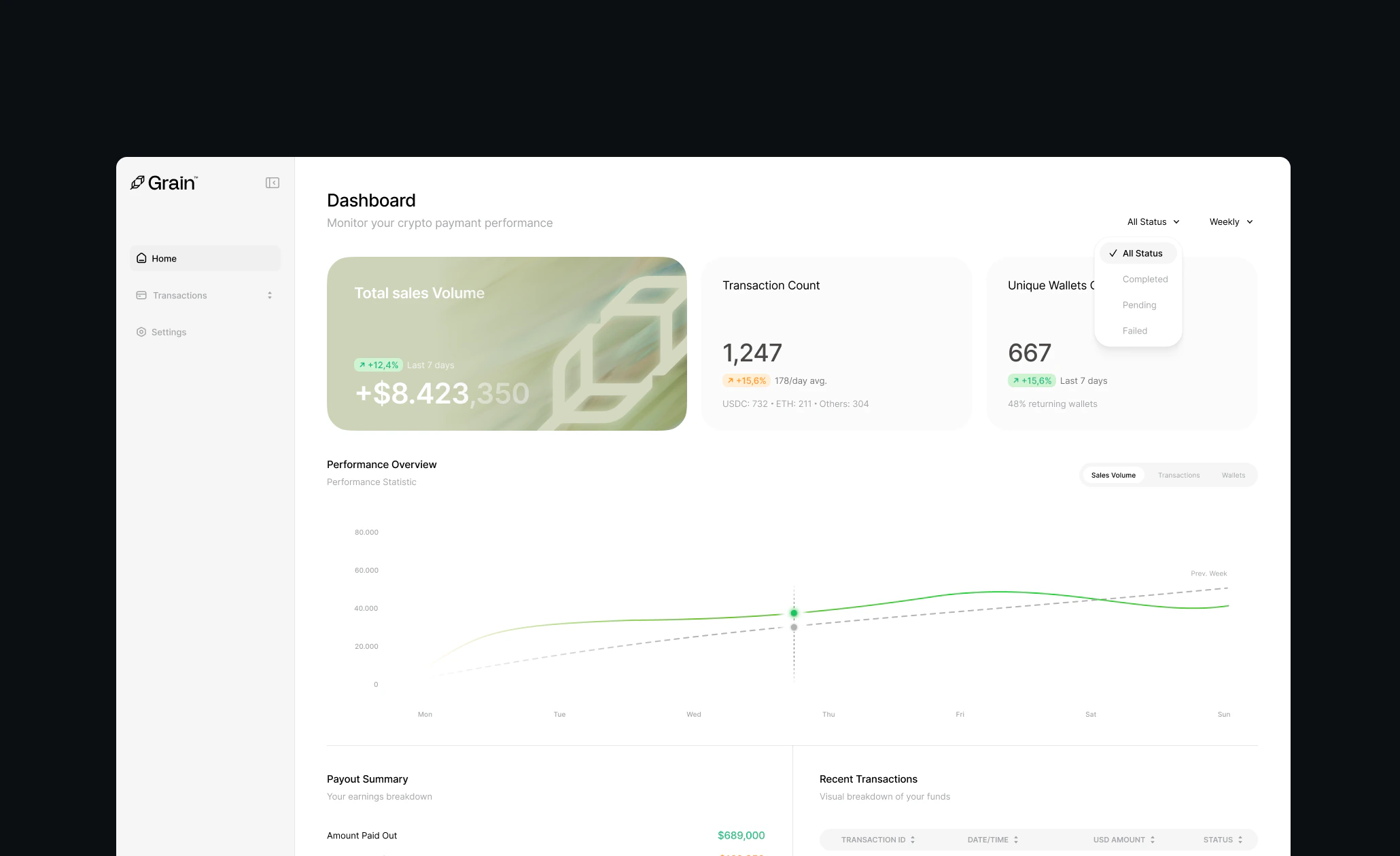 At the top of the page, you'll find three key metrics to track your performance.
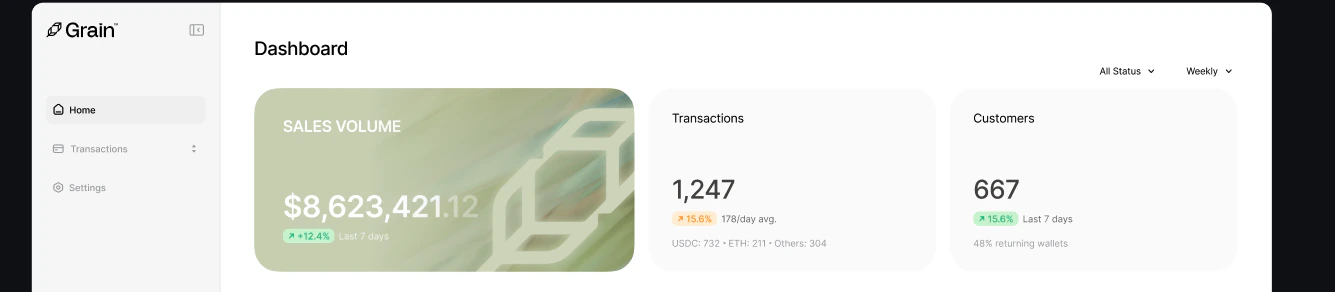 * **Total Sales Volume** — The total value of all successful transactions.
* **Transaction Count** — The number of transactions processed over a selected period.
* **Unique Wallets** — The number of unique customer wallets that have interacted with your business.
* **Total Sales Volume** — The total value of all successful transactions.
* **Transaction Count** — The number of transactions processed over a selected period.
* **Unique Wallets** — The number of unique customer wallets that have interacted with your business.